
AI HPC Data Centers Need Better Airflow
A 30 kW rack used to get attention. In many AI HPC data centers, that number now looks conservative. Training clusters, GPU-heavy inference nodes, and tightly packed high-performance compute environments can push rack densities into a range where old comfort-zone cooling assumptions fail fast. When heat spikes, uptime, hardware life, and power efficiency all start moving in the wrong direction.
For operators, engineers, and design teams, the real question is not whether these facilities need more cooling. It is whether the cooling path matches the actual heat rejection profile of the room, the rack, and the equipment layout. In AI and HPC environments, that answer depends on airflow management, containment quality, pressure relationships, and how the facility handles sensible heat at scale.
Why AI HPC data centers run hotter than conventional IT rooms
Traditional server rooms were often designed around lower and more distributed heat loads. AI HPC data centers are different because the compute profile is different. GPUs, accelerated servers, and dense node arrangements create concentrated heat that rises quickly and recirculates if the exhaust path is weak. You are not just cooling a room. You are managing heat generated in very specific zones with very little tolerance for bypass air or short-cycling.
That matters because the old approach of simply lowering room temperature can become expensive and ineffective. If hot exhaust air is not removed efficiently, cold supply air gets contaminated before it reaches the server intake. The result is higher inlet temperatures, inconsistent rack conditions, and wasted cooling energy.
There is also a control issue. AI workloads can ramp rapidly, which means thermal conditions can shift faster than legacy ventilation and cooling systems were designed to respond. A room that looks acceptable at average load may have clear failure points during peak training cycles or sustained batch processing.
The airflow problem is usually more specific than “too much heat”
When facility teams say the room is too hot, the root cause is often more precise. It may be poor hot aisle capture, inadequate exhaust capacity, low return-air effectiveness, or negative interactions between mechanical cooling and ventilation equipment. In some cases, the cooling tonnage is technically present, but the air is not moving through the space in the right way.
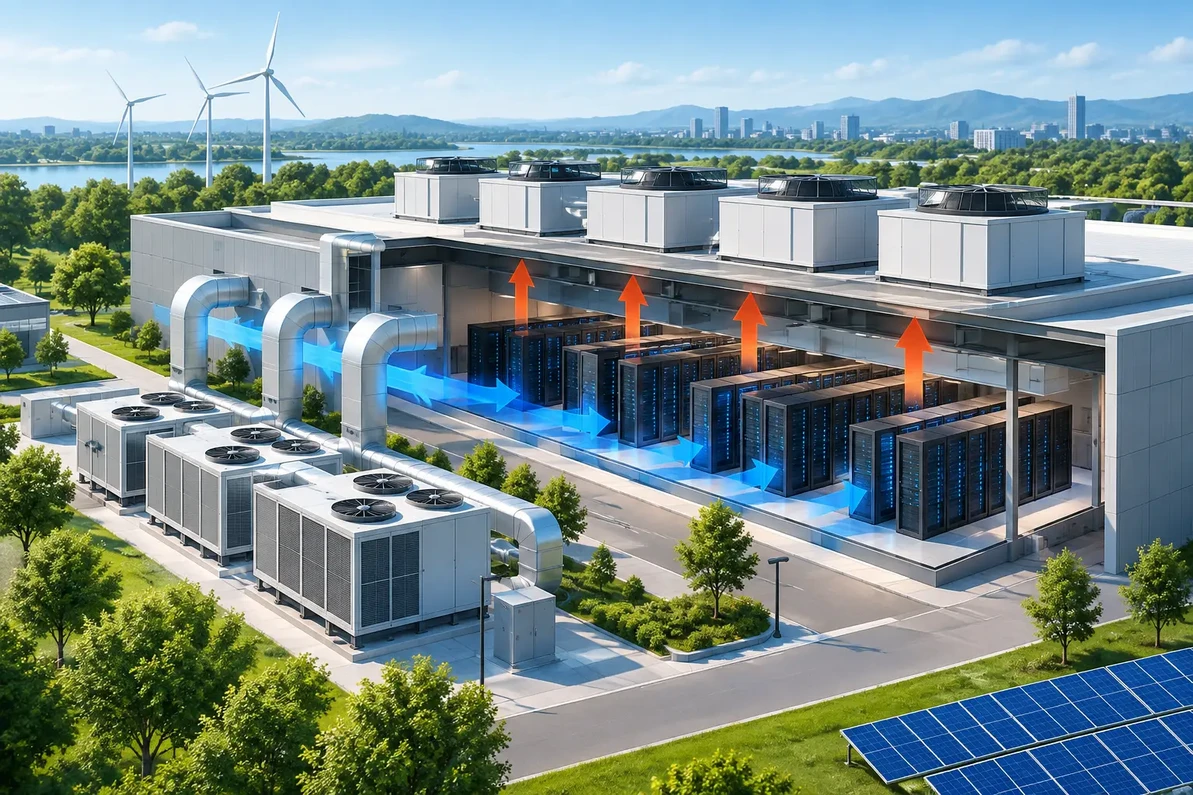
This is where engineering support matters. A data center with high-density racks needs a defined air path from intake to heat rejection. That may include aisle containment, directional airflow planning, high-capacity exhaust, make-up air coordination, and fan selection based on real static pressure rather than nameplate assumptions.
High CFM alone does not fix a poorly designed room. If fan performance falls off under resistance, or if makeup air is not balanced correctly, you can create hot pockets, pressure instability, and cross-contamination between hot and cold zones. The design has to reflect the actual building conditions, not just the target airflow number.
Cooling strategy for AI HPC data centers depends on density and layout
There is no single cooling answer for every AI HPC data center. It depends on rack density, room geometry, building envelope, utility constraints, and whether the facility is retrofitting an existing shell or building around high-density compute from the start.
Air-cooled rooms still work in the right range
For moderate density applications, well-engineered air cooling can still perform well. The key is tighter control of supply and exhaust paths. That often means stronger aisle discipline, better rack orientation, reduced bypass leakage, and exhaust fans sized for actual thermal loads and pressure drops.
A lot of retrofit projects fall into this category. The room may not need full liquid cooling, but it does need better heat extraction and air exchange support. In those cases, industrial-grade exhaust systems, wall fans, roof ventilators, make-up air units, and variable-speed controls can improve room stability without forcing a complete redesign.
Hybrid systems are becoming more common
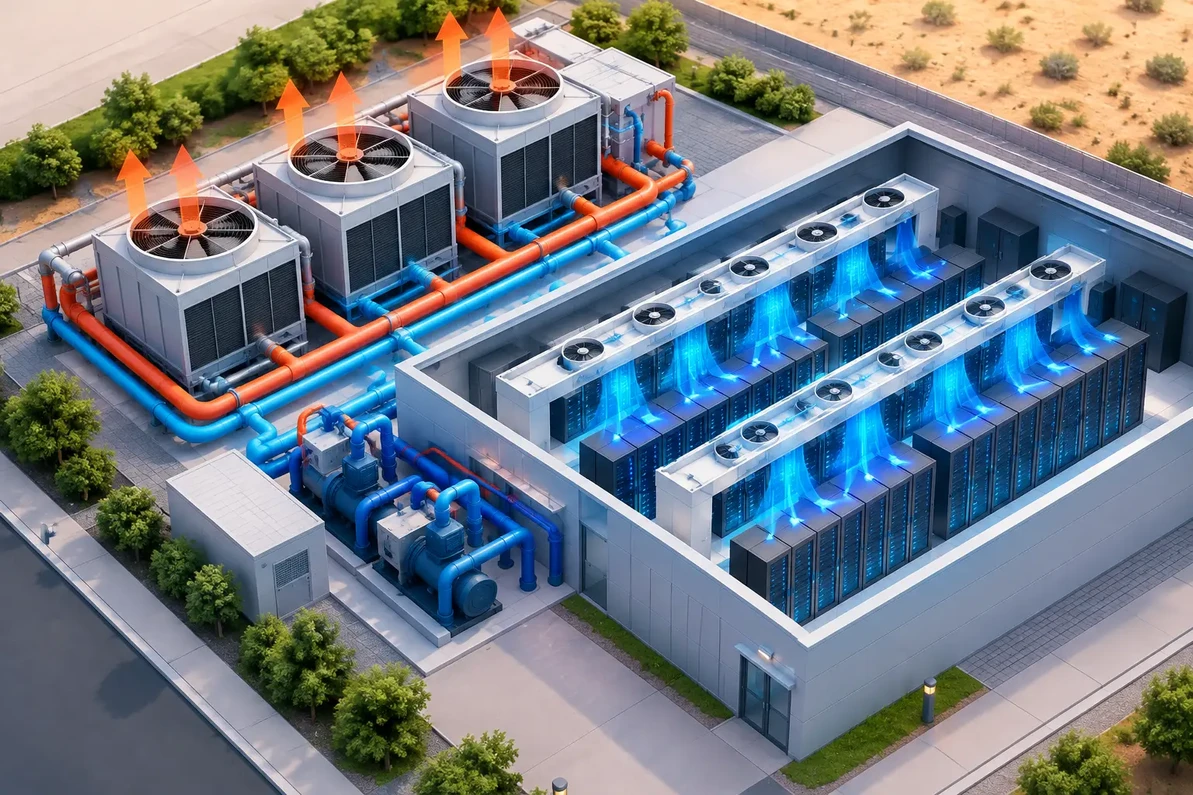
As densities climb, many operators move into a hybrid model. Some heat is handled directly at the rack or row, while room-level airflow and exhaust systems manage ambient conditions and remove residual heat. This can be a practical middle ground when full liquid deployment is not feasible across the entire facility.
Hybrid approaches are attractive because they let operators target the hottest loads first. The trade-off is complexity. You now have multiple cooling layers that must work together, and poor coordination between them can reduce the expected benefit.
High-density deployments may require liquid-assisted solutions
At the upper end of AI and HPC density, traditional room air systems may not be enough on their own. Direct-to-chip or immersion methods can carry more heat away from the source. Even then, ventilation still matters. These rooms often need support systems for ambient heat control, equipment space conditioning, electrical room ventilation, and exhaust management around ancillary equipment.
Liquid cooling does not eliminate room-level thermal planning. It just changes the heat removal balance.
Ventilation design details that affect uptime
The difference between a stable facility and a recurring thermal problem often comes down to details that get missed during planning or retrofit.
Static pressure is not a side note
Fan selection for AI HPC data centers should account for real-world resistance from louvers, filters, duct runs, dampers, containment leakage, and discharge conditions. A fan rated for impressive free-air CFM can underperform badly once static pressure enters the picture.
That is one reason equipment matching matters. You want the fan curve, motor type, and control package aligned with the actual system resistance. Otherwise, the installed system may look adequate on paper and fail under load.
Make-up air has to be engineered, not guessed
High exhaust rates without controlled make-up air can pull a room into pressure conditions that create operational problems. Doors become harder to manage, outside contaminants can enter through unintended openings, and conditioned air can move in directions you did not intend. In some climates, uncontrolled replacement air also adds a serious humidity burden.
For facilities using ventilation as part of the heat management strategy, make-up air should be considered from the beginning. The amount, path, filtration, and control logic all matter.
Controls should follow the load
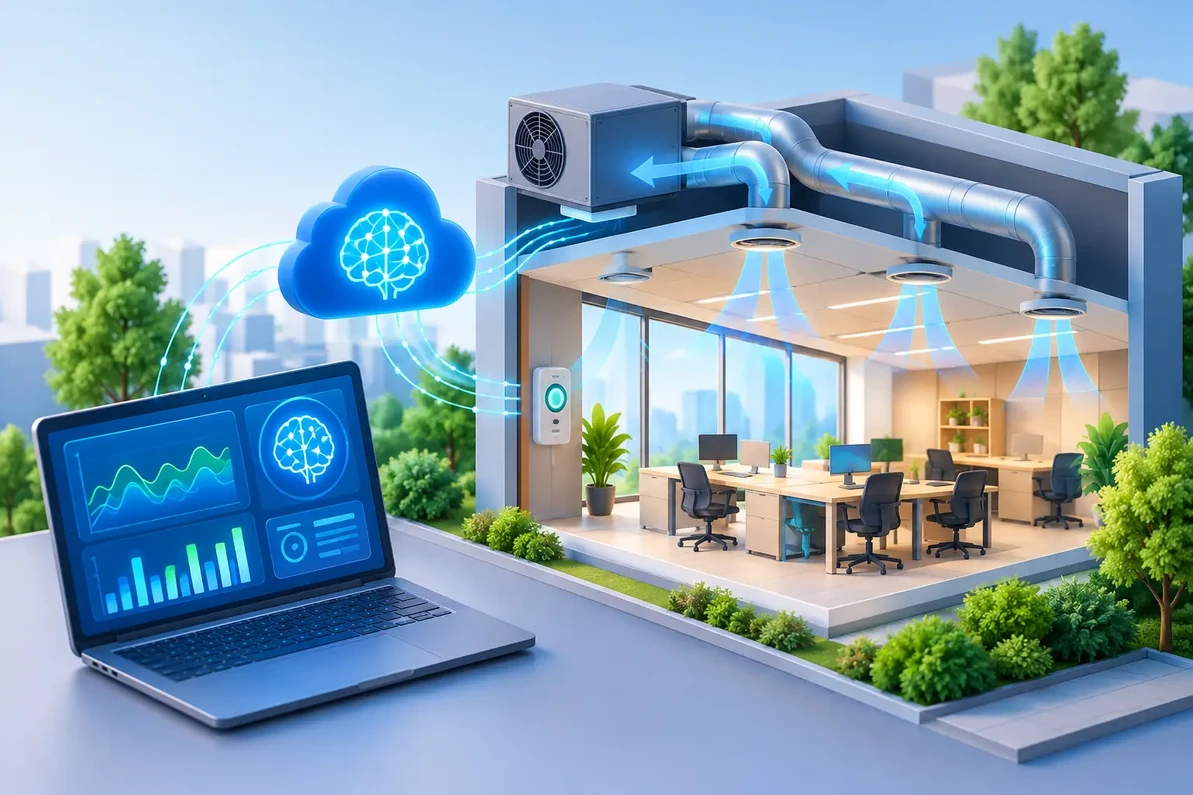
AI compute loads are dynamic. Fixed-speed ventilation may handle one operating point and miss three others. Variable frequency drives and sensor-based staging can help the system respond to changing rack loads, room temperatures, and pressure conditions.
This is not just about efficiency. Better control response can reduce thermal swings, limit nuisance alarms, and keep hardware inlet conditions more consistent across different compute cycles.
Retrofitting existing facilities takes careful compromise
Many AI deployments are landing in buildings that were never designed for this kind of density. That includes conventional data rooms, industrial spaces, and even repurposed crypto mining facilities. Retrofits can work well, but they require honest evaluation.
The first limitation is usually physical. Ceiling height, roof penetrations, wall openings, and electrical service can all constrain the ventilation strategy. The second limitation is airflow geometry. If the room shape or rack arrangement prevents clean hot aisle capture, you may need to change the layout before adding more fan power.
Budget also drives decisions. A complete thermal redesign may not be practical in phase one. In those cases, the better path is often a staged upgrade - improve exhaust capacity, balance make-up air, tighten containment, add controls, and monitor the result before making the next capital move.
That phased approach is not a shortcut. It is often the most realistic way to preserve uptime while scaling compute.
What facility teams should evaluate before adding capacity
Before adding more GPU racks, operators should verify the facility’s actual thermal headroom. That means looking beyond thermostat setpoints and checking rack inlet temperatures, exhaust conditions, pressure relationships, fan performance under load, and airflow distribution across the room.
It also helps to separate room averages from rack-level conditions. A room can show an acceptable average temperature while a few high-density racks run near the edge. Those local hotspots are where the real risk lives.
For many projects, the smartest step is a technical review of heat load, required CFM, static pressure, exhaust path, and make-up air strategy before equipment is ordered. That is especially true when facilities are trying to support AI growth inside buildings that were originally designed for lower-density IT, warehouse, or industrial use.
AI HPC data centers are not just another ventilation category with a bigger heat number. They demand tighter engineering discipline because the margin for airflow mistakes is smaller and the consequences are more expensive. If the cooling path is well matched to the load, operators gain more than lower temperatures. They gain predictability, service life, and room to grow without guessing.
Factory Fans Direct - Crypto Mining & Data Center Cooling Experts Contact Mike Miller VP Engineering at Factory Fans Direct for a FREE Project Evaluation 888-849-1233 | Mike@FactoryFansDirect.com
Recent Posts
-

AI Mega Factories Use Edmonds ecoPOWER Hybrid Ventilation
AI Mega Factories use Edmonds ecoPOWER Hybrid Turbine Ventilation because heat rejection cannot be t …4th Oct 2026 -
AI Cooling for High-Heat Facilities
A server aisle running 12°F hotter than its neighboring aisle, a crypto container recirculating exha …4th Oct 2026 -
AI Ventilation: Better Control Starts With Data
A warehouse can look adequately ventilated on paper and still have a 15-degree temperature differenc …4th Oct 2026